
Affiliate Marketer
Company: STANIFICENT GLOBAL TECHNOLOGIES LTDLocation: RemoteJob Type: Commission-BasedJob SummarySTANIFICENT GLOBAL TECHNOLOGIES LTD is looking for enthusiastic, self-motivated, and results-driven Affiliate Marketers to ...
Author: STANIFICENT STANIBIZ DIGITAL SYSTEMS AND MEDIA COMPANY LIMITED
Published: 24 May 2026 3:37 AM
👁 75 Views
STANIFICENT WORKFORCE is a globally accessible cloud-based Software as a Service (SaaS) workforce management platform developed and managed by STANIFICENT STANIBIZ DIGITAL SYSTEMS AND MEDIA COMPANY LIMITED.
The platform is designed to help organizations manage workforce operations, attendance visibility, workforce scheduling, employee coordination, payroll-related workflows, operational reporting, and role-based workforce access from centralized workspace environments that can be securely accessed remotely from anywhere in the world.
Organizations and workforce teams operating in Benin City, Edo State, Lagos, Abuja, Port Harcourt, Delta State, Nigeria, the United States, United Kingdom, Canada, Germany, United Arab Emirates, India, China, Japan, Australia, and other international regions can securely collaborate inside the same centralized workspace environment while maintaining isolated organizational workspaces.
The My Profile workspace is one of the most important employee-focused operational environments inside STANIFICENT WORKFORCE.
Unlike the administrative Dashboard used primarily for organization-wide operational oversight, My Profile functions as a personalized operational workspace where users can manage workforce-related information, monitor attendance visibility, review workforce schedules, manage security settings, and access employee-specific operational visibility from a centralized self-service environment.
This guide explains what My Profile actually shows, how the workspace operates, how role-based visibility works, and how organizations can use the My Profile workspace to support workforce transparency, workforce coordination, workforce scheduling visibility, attendance visibility, and remote workforce collaboration across local and international operational environments.
Workspace URL:
https://www.workforce.stanificent.com
My Profile is a personalized workforce operations workspace inside STANIFICENT WORKFORCE.
The workspace allows employees, staff users, administrators, and operator-level users to manage employee-specific operational visibility and workforce-related account information from one centralized environment.
My Profile combines:
into a single workforce-focused operational workspace.
This helps organizations reduce operational fragmentation while improving workforce visibility, workforce transparency, and employee self-service operations.
My Profile operates using workspace-scoped routing.
Example route structure:
In this structure:
24 represents the active workspace environmentThis architecture allows organizations operating across multiple cities, branches, regions, and countries to securely collaborate inside the same cloud-based workforce management platform while maintaining workforce isolation between organizations.
For example:
My Profile is used by:
The workspace renders different operational visibility depending on the user role and access level.
For example:
This role-aware rendering structure helps organizations maintain controlled workforce visibility and structured operational access management.
My Profile requires authenticated workspace access.
Users must:
This helps maintain:
Users without administrative Dashboard access may instead be redirected into My Profile as their primary operational workspace.
This is important because My Profile is not limited to basic profile information only. It functions as a personalized workforce operational environment containing employee-specific operational visibility and workforce-related tools.
My Profile renders different operational visibility depending on the current user role.
Staff users may see:
Staff users may also update:
while email and username visibility remain read-only.
Non-staff users may see:
Non-staff users may update:
This helps maintain separate operational workflows for employee-level and account-level users.
My Profile supports employee self-service workforce management workflows.
This allows users to maintain workforce account information without requiring constant administrative intervention.
Supported workflows include:
This improves operational efficiency while reducing unnecessary workforce administration workload.
Organizations operating distributed workforce environments across Nigeria and international regions can therefore maintain centralized workforce account management inside the same cloud-based SaaS workforce management environment.
My Profile supports secure password update workflows.
Before passwords can be changed:
This helps organizations maintain secure workforce account protection across local and international workforce operations.
Organizations managing workforce teams across Lagos, Abuja, Canada, Germany, India, the United Kingdom, and other international regions can securely maintain remote workforce account access inside the same workforce management platform.
My Profile supports email verification visibility workflows.
Unverified accounts may receive:
This helps organizations maintain stronger workforce identity verification and account validation workflows.
My Profile includes Two-Factor Authentication (2FA) management workflows.
Supported workflows include:
This helps improve workforce security for organizations operating distributed workforce environments across multiple countries and regions.
For example:
My Profile includes employee-specific operational notification visibility.
Users may see:
The standalone Notifications feature remains a separate sidebar module, while My Profile provides embedded employee-focused operational visibility related to the current user account.
This helps employees remain aware of workforce-related operational activities without repeatedly navigating across multiple operational modules.
My Profile includes workforce scheduling visibility sections.
Users may see:
This helps organizations improve:
Organizations operating across Benin City, Lagos, Abuja, Port Harcourt, and other operational regions can coordinate workforce schedules alongside international workforce teams operating remotely across different countries and time zones.
My Profile displays workforce attendance visibility and attendance-related operational information.
This may include:
This helps employees understand workforce expectations while improving workforce transparency and operational accountability.
My Profile supports detailed attendance breakdown visibility.
Users may review workforce attendance details including:
Attendance breakdown visibility loads dynamically without requiring a full page reload.
This helps organizations improve workforce operational transparency while giving employees better visibility into attendance calculations and workforce operational records.
My Profile includes monthly workforce operational summaries.
This may include visibility such as:
This helps organizations and employees maintain workforce operational awareness and attendance transparency.
My Profile may include workforce financial visibility sections for staff users.
This may include:
This helps employees maintain visibility into workforce-related financial workflows while improving operational transparency across workforce operations.
STANIFICENT WORKFORCE is designed for both local and international workforce operations.
Organizations operating from:
can securely collaborate alongside workforce teams operating across:
inside the same cloud-based SaaS workforce management environment.
This allows organizations to:
through isolated workspace environments accessible remotely from anywhere in the world.
Workspace URL:
https://www.workforce.stanificent.com
Example workspace route:
https://www.workforce.stanificent.com/24/profile
Organizations can use My Profile for:
For example:
This helps organizations maintain structured workforce operations across both local and global workforce environments.
My Profile is a personalized workforce operations workspace where users can manage workforce-related visibility, attendance visibility, workforce schedules, notifications, security settings, and employee operational information.
Yes. The Dashboard is primarily designed for organization-wide operational oversight, while My Profile functions as a personalized employee-focused operational workspace.
Authenticated workspace users including staff users, administrators, operator-level users, and workforce employees can access My Profile depending on role visibility.
Yes. Staff users can update first name, last name, and phone number information.
Yes. Non-staff users may update email and username information inside My Profile.
Yes. Password updates require current password verification and validation checks before changes are accepted.
Yes. My Profile includes Two-Factor Authentication setup, verification, backup-code management, and disable workflows.
Yes. Organizations and workforce teams can securely collaborate remotely inside centralized workspace environments from different cities, countries, and time zones.
Yes. My Profile includes attendance summaries, attendance rules, attendance breakdown visibility, and attendance-related operational information.
Yes. Users may view current and upcoming workforce scheduling visibility including weekly roster information.
Yes. Notifications exist as a separate sidebar module, while My Profile may display employee-specific notification visibility related to the current user.
Yes. Users may access workforce scheduling visibility including weekly rosters and off-day visibility.
Yes. STANIFICENT WORKFORCE is a globally accessible cloud-based SaaS workforce management platform designed for international workforce collaboration.
Yes. Organizations operating across Benin City, Lagos, Abuja, Port Harcourt, Delta State, and other operational regions can securely collaborate remotely inside the same centralized workspace environment.
Yes. Workforce teams operating across the United States, United Kingdom, Canada, Germany, United Arab Emirates, India, China, Japan, Australia, and other international regions can securely collaborate inside the same centralized workspace environment.
Yes. My Profile may include payroll-related operational summaries, loans visibility, bonuses visibility, and workforce financial visibility sections.
Yes. Users may review attendance breakdown visibility including worked minutes, break minutes, payable minutes, and attendance-related summaries.
Yes. The workspace includes password validation workflows, email verification visibility, and Two-Factor Authentication management.
Yes. STANIFICENT WORKFORCE is designed as a globally accessible cloud-based workforce management platform supporting remote workforce collaboration worldwide.
Workspace URL:
https://www.workforce.stanificent.com
No reviews yet.
No comments yet.
Company: STANIFICENT GLOBAL TECHNOLOGIES LTDLocation: RemoteJob Type: Commission-BasedJob SummarySTANIFICENT GLOBAL TECHNOLOGIES LTD is looking for enthusiastic, self-motivated, and results-driven Affiliate Marketers to ...
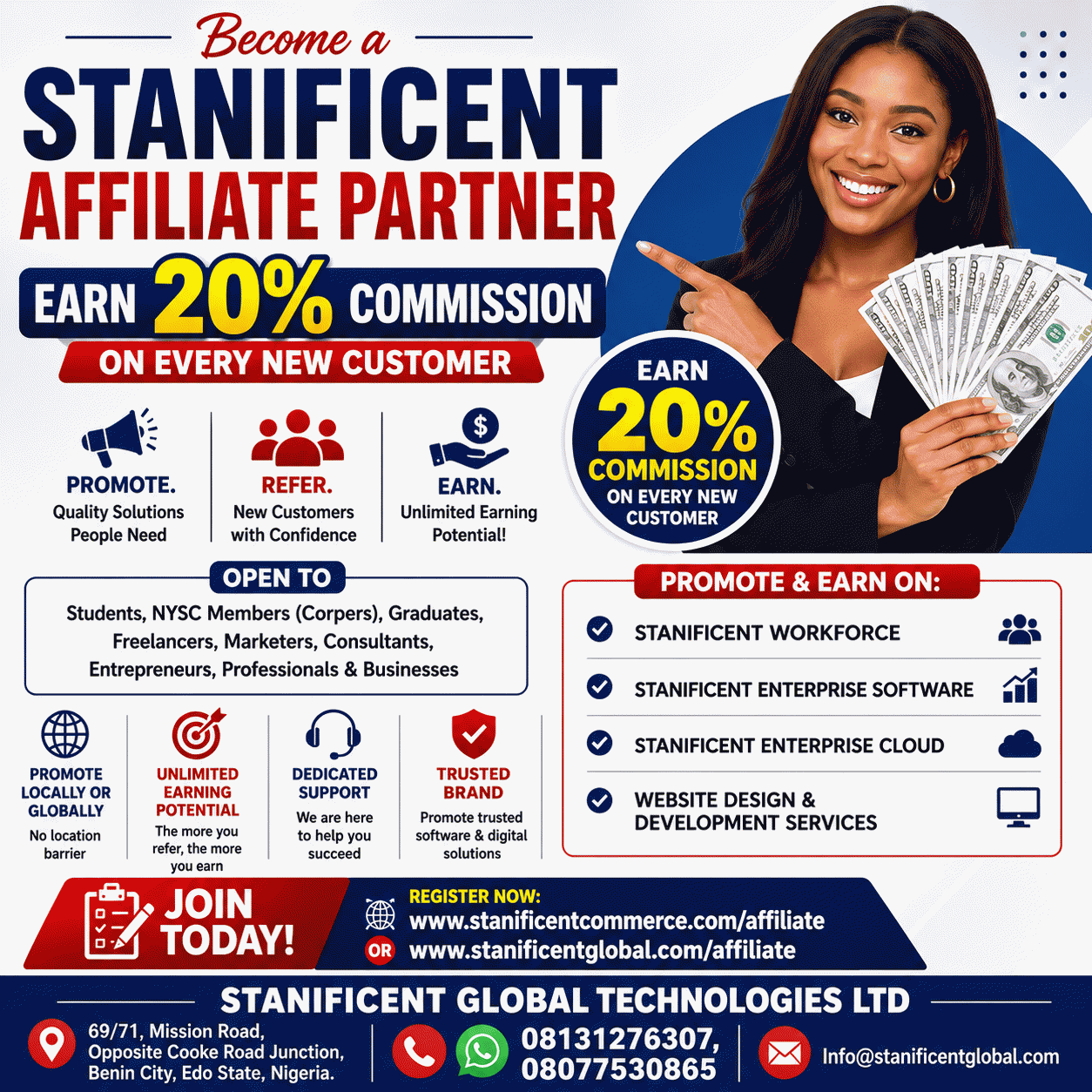
Are you looking for a legitimate opportunity to earn additional income by promoting valuable products and services that businesses genuinely need? Whether you are a student, NYSC member, recent graduate, freelancer, entr...
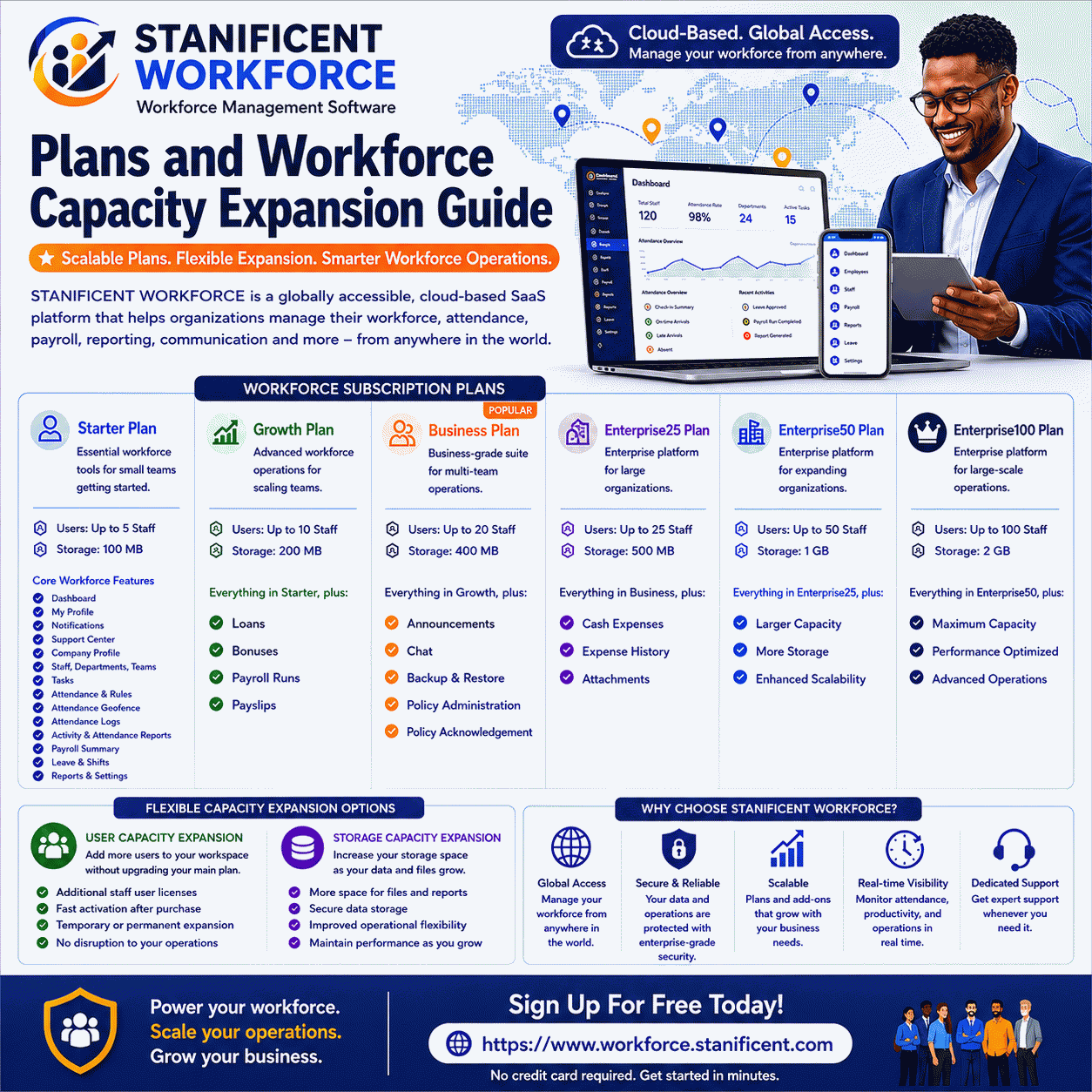
Introduction Every organization grows differently. Some businesses begin with a small operational team handling daily attendance and employee coordination, while others manage multiple departments, branch offices, remote...
Explore featured products
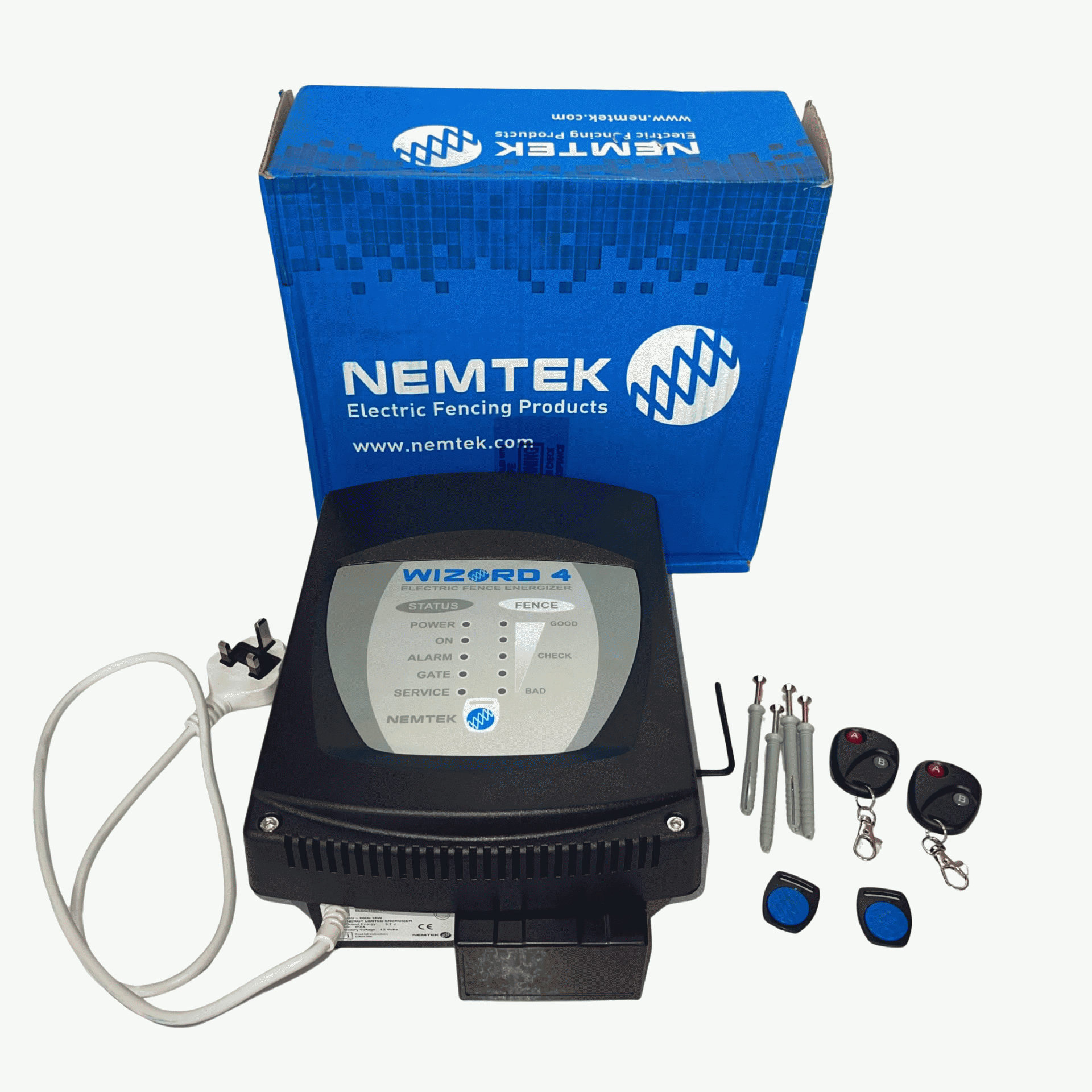
Seller: STANIFICENT GLOBAL TECHNOLOGIES LTD
₦260,000.00 ₦520,000.00
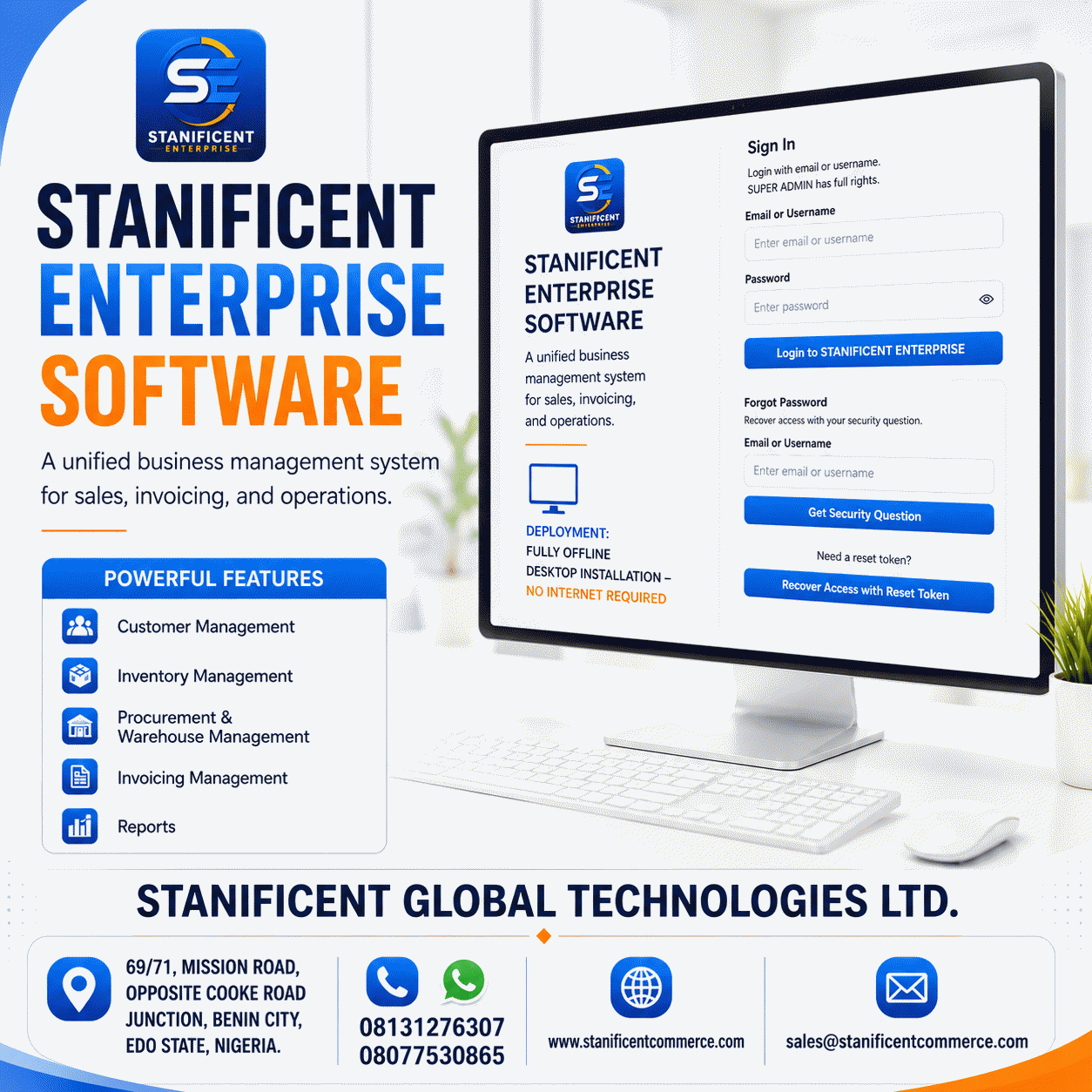
Seller: STANIFICENT GLOBAL TECHNOLOGIES LTD
₦100,000.00 ₦200,000.00
Seller: STANIFICENT GLOBAL TECHNOLOGIES LTD
₦50,000.00 ₦100,000.00
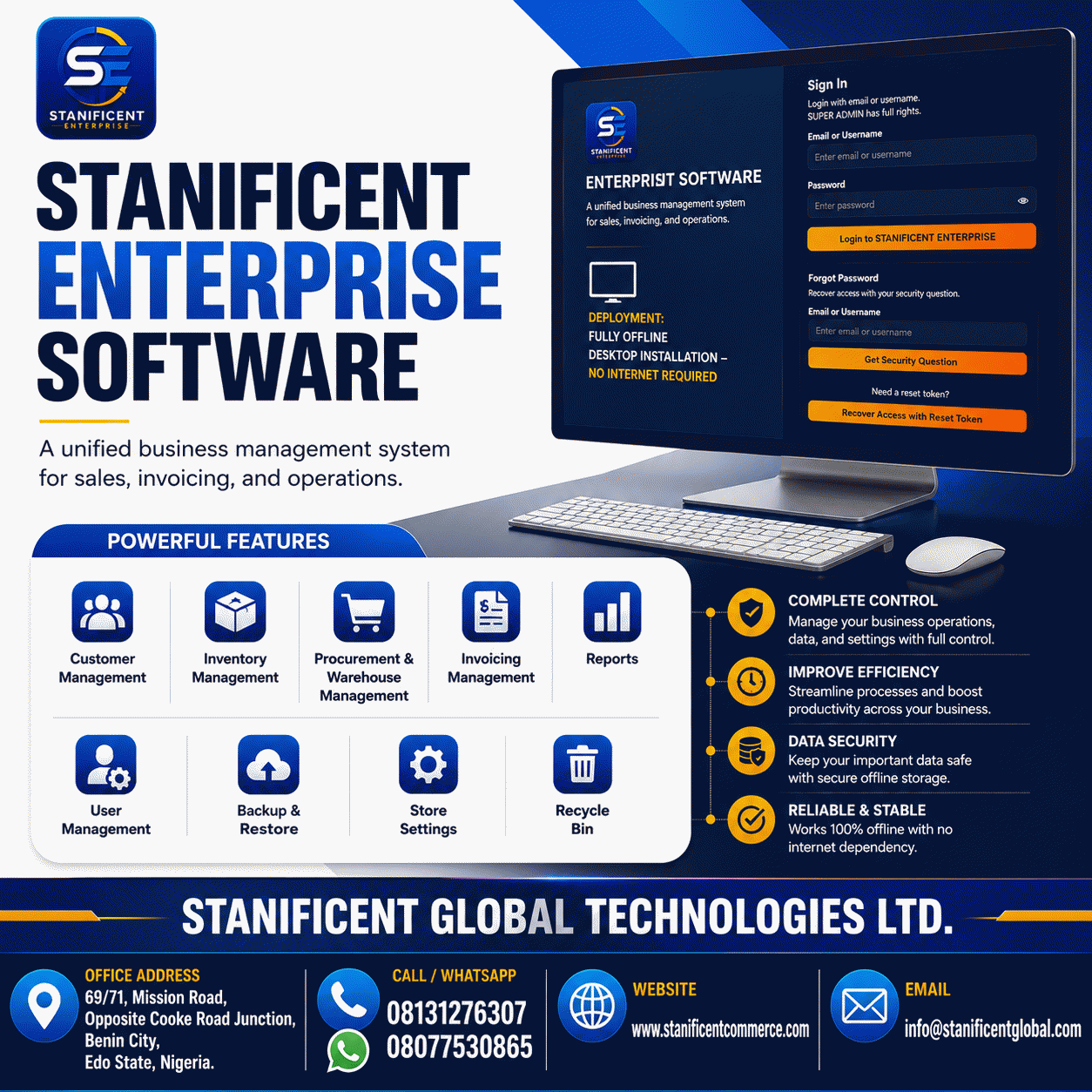
Seller: STANIFICENT GLOBAL TECHNOLOGIES LTD
₦30,000.00 ₦60,000.00
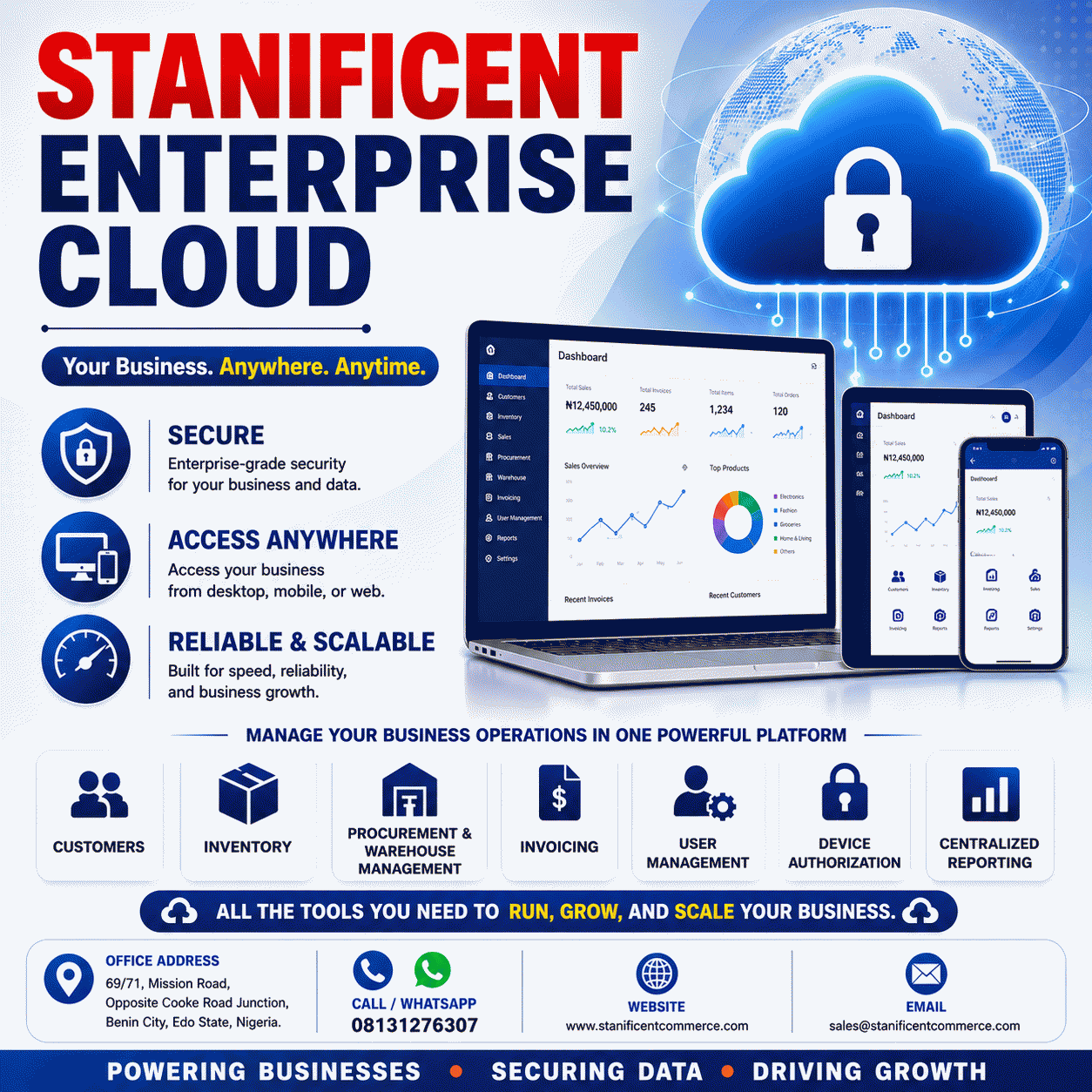
Seller: STANIFICENT GLOBAL TECHNOLOGIES LTD
₦400,000.00 ₦800,000.00
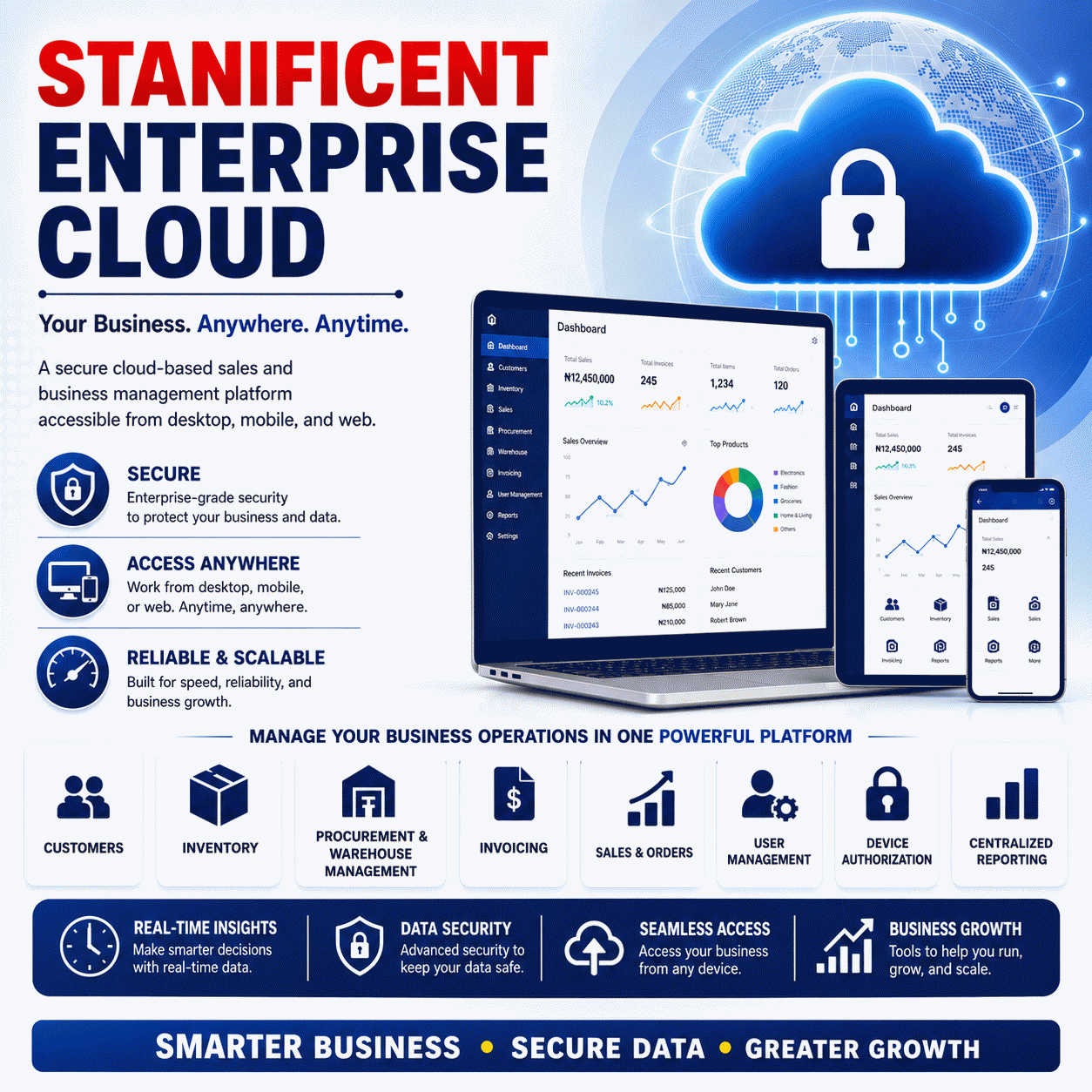
Seller: STANIFICENT GLOBAL TECHNOLOGIES LTD
₦100,000.00 ₦200,000.00

Talk to the STANIFICENT team directly on live chat
Visitor Contact Details
Provide your contact information so support can follow up properly. Email is optional.